
Turn HubSpot Signals Into Gifts That Move Deals Forward
Send gifts, eGifts, and direct mail straight from HubSpot, from a contact record, a workflow, or now, your AI assistant. Every send gets logged back to the contact and deal, so you can see exactly how gifting impacts pipeline, not just that it happened. Let SmartSend pick the gift, let BreezeAI or your workflows decide when to send it, without leaving HubSpot.

Turn HubSpot Signals Into Sends
Automate Gifting into Every Customer Journey
Add Sendoso as a step in any contact-based HubSpot workflow and trigger a gift the moment a property changes: a form fill, a deal stage move, a lifecycle stage update, whatever signal matters to your team. No manual list pulls, no separate campaign tool to manage.
Use Cases
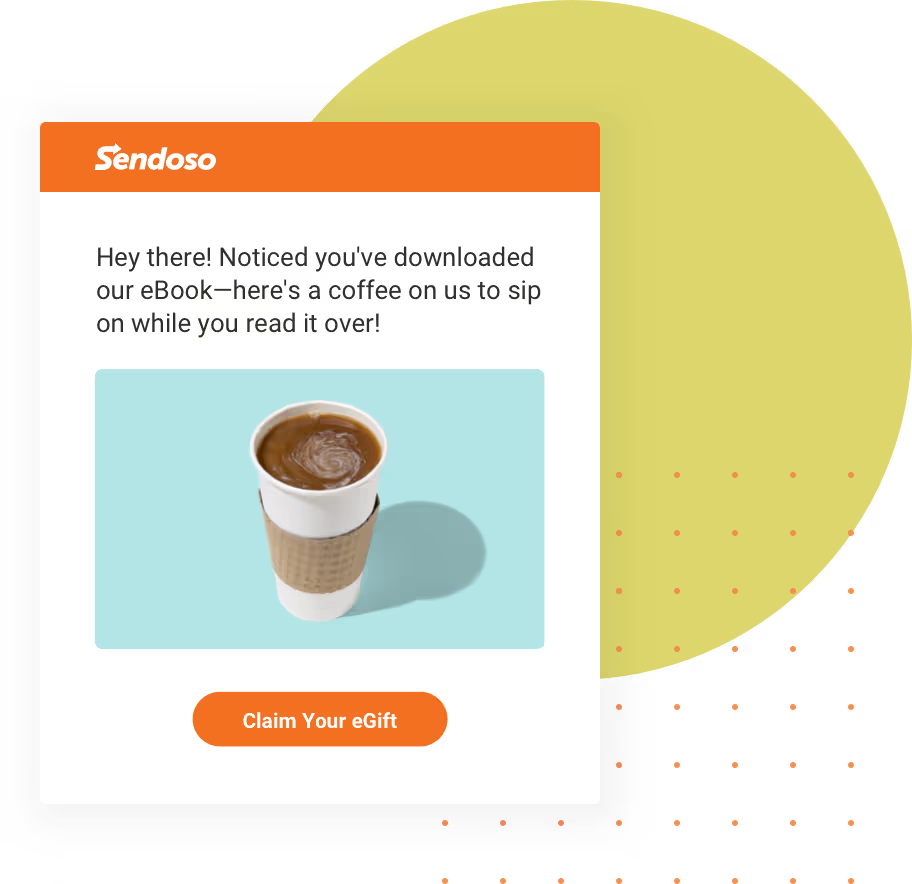
Form-triggered Gifts — A prospect fills out a demo request form. A small welcome gift goes out automatically to say thanks and keep them engaged before the call.
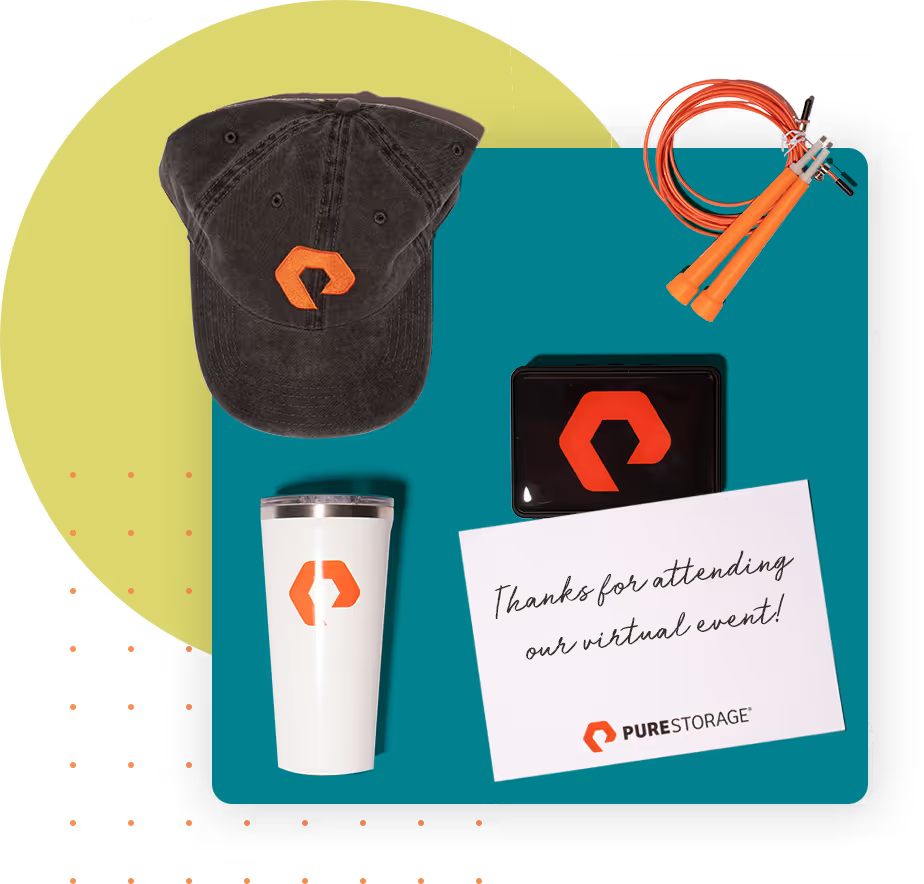
Deal-stage gifting — An opportunity moves to "Closed Won". A workflow fires an onboarding kit to the champion as a thanks for partnering on the deal and introducing the new account team.
Let Breeze Decide the Moment, Let Sendoso Handle the Send
Your reps and marketers are already using Breeze inside HubSpot to plan outreach and manage workflows. Sendoso plugs into that same motion.Breeze agents can select and trigger a Sendoso gift as part of a broader sequence, so a physical touchpoint lands at exactly the right moment alongside your emails and calls, without a rep having to remember to do it manually.

Prove Gifting's Impact on Pipeline
See Deal Influence, Acceleration, and Closed-Won, Not Just Send Counts
Sendoso writes send data straight back to your HubSpot contact and deal records, spend, tracking status, last campaign, and sender, so you can build pipeline and closed-won reports filtered by whether a gift was involved. Tag influenced deals with a simple checkbox property, and you've got a repeatable way to show gifting's effect on deal velocity and win rate, right inside the HubSpot reporting tools your RevOps team already uses.
Send From Where Your Team Already Works
From the Contact or Deal Record
The redesigned Sendoso app in HubSpot adds gift sending directly to any contact layout. Reps pick the gift, personalize the note, and send. No tab-switching, no separate login.
From Your AI Assistant
Sendoso's MCP lets AI assistants ideate campaigns, research the recipient, recommend a gift, and send it, all inside the conversation, with your explicit sign-off before anything ships. It works today with Claude and ChatGPT.
How It Works: Sendoso Inside HubSpot
- Connect HubSpot to Sendoso from the Integrations page and authorize the sync.
- Add the Send a Gift card to your HubSpot contact layout.
- Set up writeback mapping so spend, tracking, and campaign data flow back to HubSpot automatically.
- Trigger sends from a workflow, a form submission, a contact record, or your AI assistant, then track the results in HubSpot.

Get Started with Sendoso + HubSpot
Add the Sendoso app from the HubSpot Marketplace in minutes, or talk to our team about proving gifting's impact on your pipeline.