Ambassador is The Customer Lifecycle Operating System
Orchestrated by HiroAI, Ambassador turns existing customers, partners, and advocates into a structured, attributed growth channel. The Sendoso integration lets Ambassador customers reward referrals, milestones, and partner activity with physical gifts and experiences from their own Sendoso marketplace, instead of being limited to gift cards or cash payouts. Affiliates and partners pick a gift inside the Ambassador portal, Sendoso ships it directly, and delivery status streams back into Ambassador.
Media
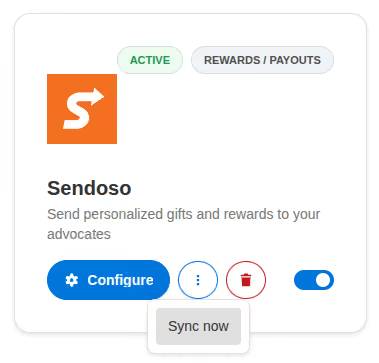
Connect in one click. No API keys to manage.
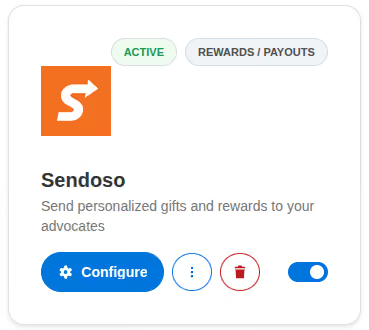
Customers connect Sendoso to Ambassador straight from the Integrations → External Apps tab. There are no API keys to copy: the customer authorizes Ambassador against their Sendoso account via OAuth, and Ambassador handles the access token, refresh, and revocation automatically.
Per-customer marketplace sync with category, price, and country filters.
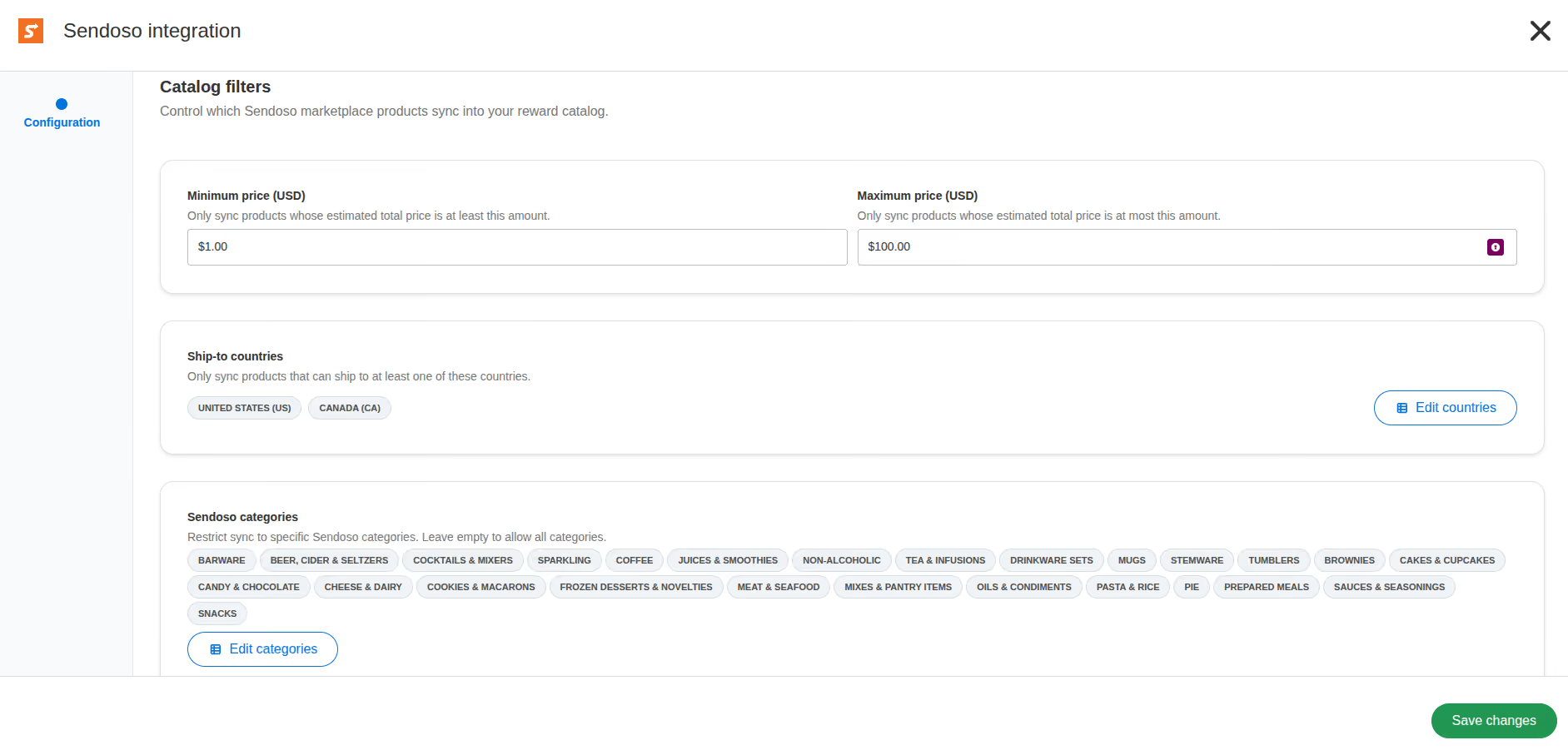
Ambassador pulls the customer’s own Sendoso marketplace catalog and turns each Sendoso product into a rewardable item in the customer’s rewards catalog. Admins narrow the synced set with a two-level Sendoso category picker, a min/max price range, and a country ship-to filter that mirrors Sendoso’s shipping coverage. A “Sync catalog” button keeps the rewards catalog in step with the latest Sendoso inventory and soft-deletes items that have been removed upstream.
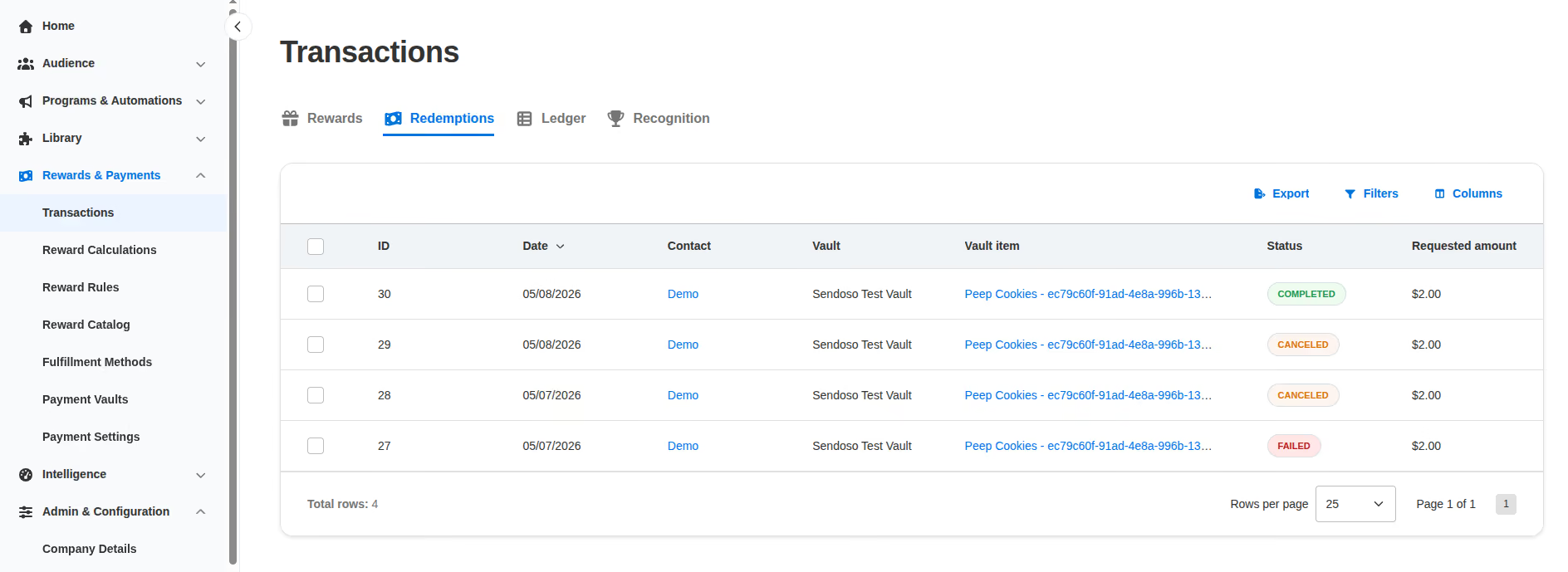
Receive delivery status from Sendoso, surfaced on every redemption.
Once an affiliate or partner picks a gift in the Ambassador portal or storefront, Ambassador calls Sendoso’s marketplace send endpoint and then tracks the resulting send through Sendoso’s full lifecycle of webhook events. The redemption record inside Ambassador shows the current send status, recipient name and email, redemption link, Sendoso send ID, and any error message. Terminal failures automatically roll back the redemption transaction, so an affiliate never gets stuck with a broken reward.
Set up Sendoso in Ambassador in under five minutes
- Open Integrations → External Apps in the Ambassador admin, find the Sendoso card, and click Connect. Authorize Ambassador on Sendoso’s OAuth screen.
- On the Sendoso configuration page, pick the Sendoso categories, price range, and ship-to countries you want surfaced as rewardable items, then save.
- Copy the webhook URL Ambassador displays for you and paste it into Sendoso’s webhook settings, copy the webhook secret Sendoso generates for you and paste it into the configuration page, then save. This turns on live delivery-status updates.
- Click Sync catalog. Ambassador pulls your filtered Sendoso marketplace into your Ambassador rewards catalog.
- Open a Payment Vault, pick the Sendoso items you want exposed in your referral or partner program, and your audience can start redeeming.